

The summary is already there. That saves typing, every single call.
Unexus Connect · AI in customer contact
AI that already works today
No talk about the future. The AI in Unexus Connect summarises calls, answers common questions and transfers to the right colleague. Today, within your rules. You choose what you switch on, and what you do not.

01 · sound familiar?
everyone is talking about AI, and you have to do something with it
Every supplier promises AI, every conference is about it, and meanwhile you just want your team to do less typing and your caller to get an answer sooner. That is exactly where we put AI to work. Not as an experiment, but as a tool with an on-off switch.
- Typing up a summary after every call. That adds up, every single day.
- Routine questions keep your team busy while the hard questions wait.
- And AI without clear rules is not something you want anywhere near your customer contact.
02 · what it is
practical AI, within your rules
AI in Unexus Connect is a set of functions inside the platform you already have. No separate tool alongside, and your data does not leave the building. Two functions are live and each has a page of its own. Alongside those we are working on Agent Assist, which will support colleagues during the call; that is in development and we will add it once it is finished.
Automatic Summaries
Shortly after the call the summary is ready with the call details, in the format you decide.
The Virtual Agent
Sits at the start of your call flow, on the phone and in chat. Answers common questions from your own knowledge base and transfers to the right place. A person is always still reachable.
03 · what you get out of it
why you want this AI
The assistant catches routine questions, so your team has time left for the ones that need a person.
Everything runs in the same Azure environment as Unexus Connect. Your data stays in Europe and is not used to train models.
You set the rules: what the AI says, what goes into a summary and when a person takes over.
04 · who notices
they profit from it straight away
Your colleague
Types no more summaries and gets fewer routine questions. That leaves time for the conversations that need attention.
Your manager
Sees consistent records on every call, and less pressure on the queue.
Your caller
Gets a straight answer to a simple question. And for everything else, a person on the line.
Your IT colleague
Switches functions on per queue, inside the platform already in place. In an environment hosted by Unexus the Azure connection is set up as standard.
05 · how it works in practice
an ordinary Monday afternoon.
A resident calls about the opening hours of the city office. The Virtual Agent answers the question itself, from the council’s own knowledge base. The next caller has a question about an application in progress; that goes straight through to a colleague. Shortly after that call, usually within half a minute, the summary is with the call details, in exactly the format the council agreed.
Two callers helped, no summaries typed, and the team had its hands free for the questions that really needed attention.
06 · what you need to arrange
less than you think
You switch both functions on inside your existing Unexus Connect environment. What needs the most attention is not the technology but the content: the summary instruction and your knowledge base.
This is our estimate for a common set-up. If yours is different, you will hear that from us before we start.
lead time
Switching on Automatic Summaries
short lead time; we agree the instruction together
Setting up the Virtual Agent
depends on the topics and your knowledge base content; agreed up front
New to Unexus Connect
six to ten weeks, from signing to going live
Sorted in four steps
-
step 1
Together we decide what you switch on, for which queues and under what rules.
-
step 2
We agree the summary instruction and set up the assistant’s topics.
-
step 3
We test with real examples, and you sign off.
-
step 4
We go live and brief your colleagues, because they are the ones working with it every day.
07 · for your IT colleague
what is under the bonnet
Everything your IT colleague wants to know before saying yes.
the technical details Where it runs · Summarising · Assistant · Knowledge base · In development
| Where it runs | Inside the Unexus platform, on Microsoft Azure technology. In an environment hosted by Unexus the Azure connections are set up as standard. |
|---|---|
| Summarising | Transcription plus a summary based on a set instruction. Call recording on the queue is required; the summary follows shortly after the call. |
| Assistant | A Virtual Agent licence within Unexus Connect. Azure Speech for speech, Azure OpenAI for understanding and answering, Azure Language for language detection. |
| Knowledge base | The assistant answers from your own knowledge base. |
| In development | Agent Assist, support for the colleague during the call. Not available yet. |
You choose per queue what is switched on. That keeps the technology where it belongs: in the background.
08 · privacy principles
what the AI sees, and where it stays
The AI features run in the same Azure environment as Unexus Connect itself, region West Europe. Azure Speech and Azure OpenAI are Microsoft services: your data does not go to the company OpenAI, it is not used to train models, and the AI services do not keep it.
The AI makes no decisions. No automated decision-making and no profiling: what comes out is text that your colleague reads and checks. With the Virtual Agent the caller is told they are speaking to an AI assistant, and there is always a way through to a person.
The summary instruction is where you set out what you want to keep out of a summary as far as possible, such as names and addresses. It is an instruction to the model rather than a filter, so we cannot guarantee it.
For your DPIA or privacy scan we supply a technical processing description, and for councils the text for the algorithm register. If you host it yourself or with a partner, the AI features run on your own Azure keys, or they stay off.
Your data stays within Europe. Unexus is ISO 27001 certified and the systems are thoroughly and independently tested every year.
in practice
more time for personal contact thanks to AI summaries
Woontij, a housing association responsible for around 2,300 homes on Texel and in Den Helder, has tenant conversations summarised automatically. That is no longer a trial, that is simply how they work.
read the customer stories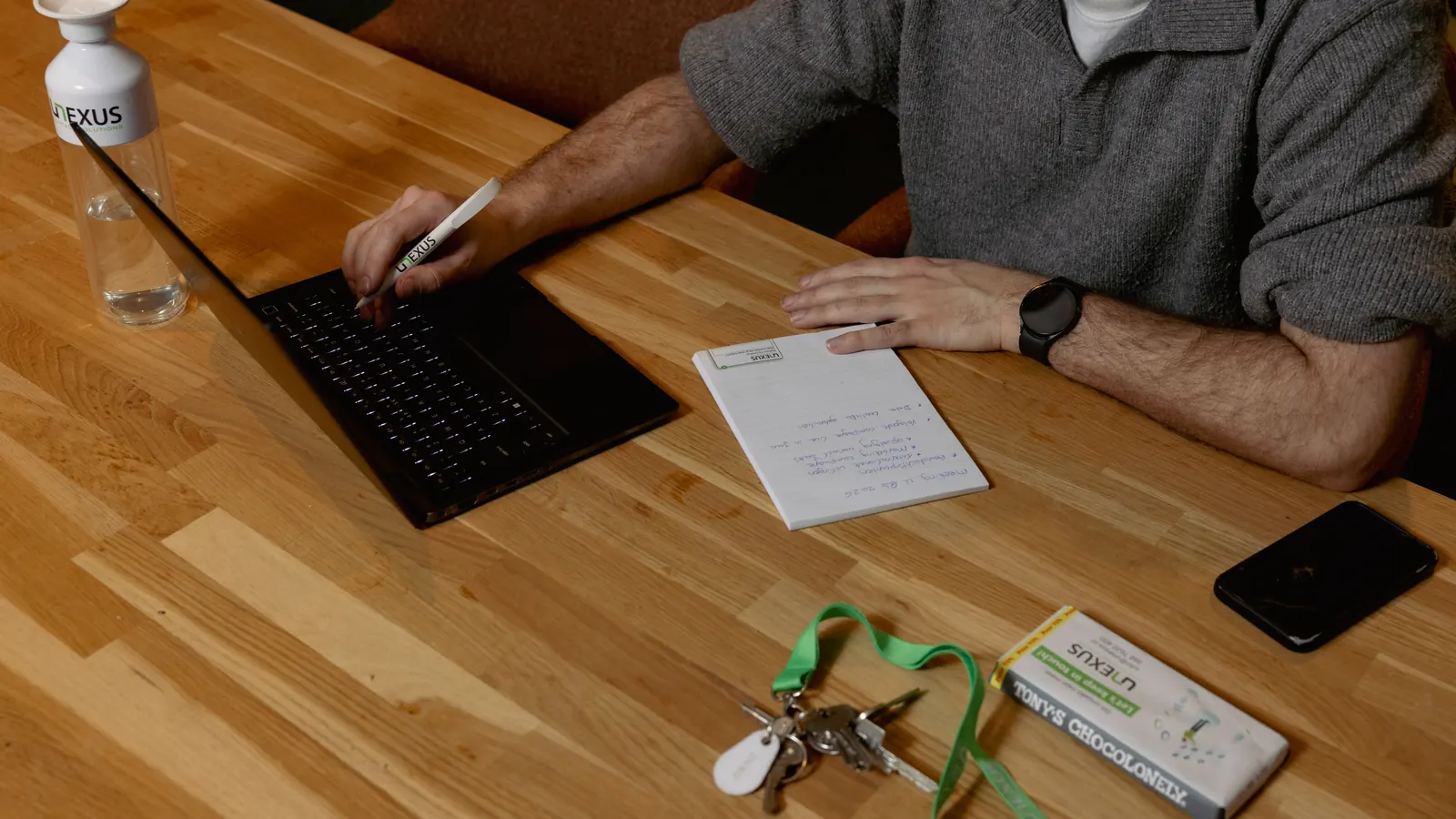
questions you probably have by now
Who is this for?
For the teams handling customer contact every day. How widely you use it is your call, based on your processes and your volumes.
How does summarising work when it is busy?
Shortly after the call, usually within half a minute, the summary and its action points are there. Your colleague checks it and moves on to the next contact. How detailed that summary is, is yours to set.
Which data does it use, and where is that processed?
Data from Unexus Connect and the systems you have connected to it. Processing takes place within a European hosting environment and in line with the GDPR.
How do you tell whether it really saves time?
By shorter handling times and less admin. Which KPIs you use for that, and what counts as a success, is up to you.
How do summaries and the Virtual Agent complement each other?
The Virtual Agent works the front line and handles that first contact. Automatic Summaries helps your colleague once the conversation is over. Together they take pressure off during and after customer contact.
Is AI included in the platform as standard?
It works inside Unexus Connect, so there is no second system alongside. It is not on by default: you decide per component whether you use it. What that involves we go through with you. Easiest way is to book a demo.


want to see how that works?
Half an hour. That is all it takes to show you the summaries and the assistant with examples from your own practice. Bring your IT colleague along and we will go through the Azure questions at the same time.
No obligations. Would you rather look around on your own first? The hard facts are on security & compliance.
looking further
this connects to
AI
Automatic Summaries
The summary with its action points is there before your next call.
see Automatic Summaries AIthe Virtual Agent
A straight answer to an open question, with no menu.
see the Virtual Agent platformomnichannel
Every channel in one place, with the overview to steer by.
see omnichannel