


Every question reaches a colleague who can do something with it, whichever channel your caller picks.
Unexus Connect · omnichannel customer contact
every channel in one place
Your caller decides how to get in touch. Calling today, WhatsApp tomorrow, email next week. Unexus Connect brings all those channels together in one queue and one screen. Every question reaches the right colleague straight away, and you see all of it back in one report.
drag the handle to the right

01 · sound familiar?
one question, three systems
Someone emails a question, chases it on WhatsApp a day later and then calls anyway. To them it is one story. To your team it is three systems, each with its own queue, its own screen and its own reporting. Three counters for the same question. Not helpful. That is why we bring those channels together.
- Your colleague hops between screens all day. Every switch costs time.
- Three systems means three lots of administration and three separate reports.
- Busy on the phone? Then nobody sees the chat filling up.
02 · what it is
one system behind every channel
Unexus Connect is one routing system for voice and text. Telephony, email, web chat, WhatsApp and Microsoft Teams all arrive in the same environment. Telephony is the foundation, because calling is still the channel that brings in the most questions and the hardest ones. Per team or department you set up a flow of your own, with its own opening hours, menu and call rules.
Routing
Every interaction, spoken or typed, follows the same rules based on opening hours, menu, availability and service level. Those rules are yours to set.
One screen
Your colleague sees phone, email, chat and WhatsApp in one screen, with the contact history alongside. No more switching between screens.
03 · what you get out of it
why you want every channel in one place
Your colleague sees the contact history across every channel. Nobody has to tell their story twice.
One report covering everything. Your availability is a single figure instead of a puzzle.
You plan capacity with the built-in planning tool, on measured volume per channel.
You can show the current waiting time on your website, so your caller knows where they stand.
One Virtual Agent works across all your channels at once, and you choose what you switch on.
04 · who notices
they profit from it straight away
Your colleague
Handles every channel from one screen, with the history alongside. The switching between systems is over, and that shows all day.
Your manager
One report across every channel, and capacity planning that rests on measured volume instead of on a hunch.
Your caller
Picks the channel, and tells the story once.
Your IT colleague
Manages one environment with one supplier, instead of a separate system per channel.
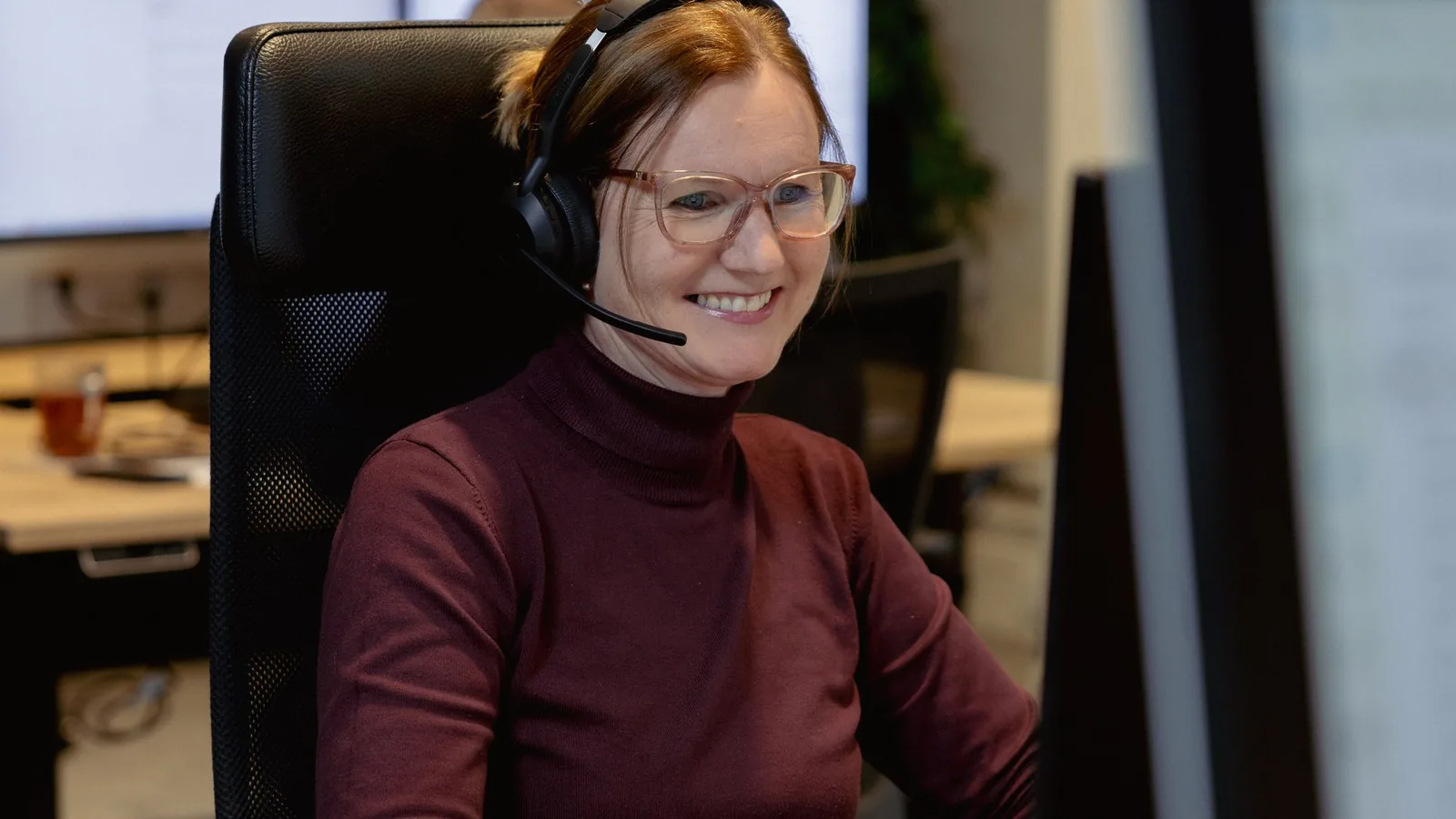
on the floor
one screen, one customer view
05 · how it works in practice
an ordinary Thursday afternoon
A tenant sends a photo of a leaking kitchen tap on WhatsApp. Unexus Connect recognises the number and puts the message in front of a colleague who is free, with the timeline alongside. They see that the tenant called about it last week, ask one more question and pass the request on to planning. The tenant does not have to start again and has not spent a minute on hold.
Tenant helped in the channel they chose, with last week’s call alongside, and all of it in the same report.
06 · what you need to arrange
less than you think
If you are starting fresh with Unexus Connect, count on six to ten weeks from signing to going live. If Unexus Connect is already running, adding a channel is not a whole new project.
This is our estimate for a common set-up. If yours is different, you will hear that from us before we start.
lead time
New to Unexus Connect
six to ten weeks, from signing to going live
Adding a channel to an existing environment
no new project: licence on, flow set up, live
Sorted in four steps
-
step 1
Together we decide which channels you switch on and what the flows look like.
-
step 2
We set up the routing: opening hours, menus and call rules.
-
step 3
We connect your systems and test, and you sign off.
-
step 4
We go live. Channel by channel, so your team sets the pace.
07 · for your IT colleague
what is under the bonnet
Everything your IT colleague wants to know before saying yes.
the technical details Channels · Client · WhatsApp · Integrations · Reporting
| Channels | Telephony, email, web chat, WhatsApp and Microsoft Teams. Voice and text in the same routing. |
|---|---|
| Client | One workplace for every channel. The text channels need the Professional Agent Client; the number of simultaneous text interactions per colleague is adjustable. |
| Service number of your choosing: a mobile number or a landline number from your own range. | |
| Integrations | CRM, ERP, case system and knowledge base. A completed interaction can be written back to your own system. |
| Reporting | Per flow, per colleague and per service level, across every channel. |
Unexus Connect stays in charge of routing, call rules and reporting, whatever channel you add. That keeps the technology where it belongs, in the background.
08 · privacy principles
what we keep, and above all how
Every interaction sits in your own Unexus environment, and your data stays within Europe. A built-in GDPR function removes the link between the number and the person after a while. Call recording is only on if you set it that way.
The content of calls and chats is yours and stays yours. If you want a completed interaction kept in your own case system or CRM, we write it there.
Unexus is ISO 27001 certified and the systems are thoroughly and independently tested every year.
”I am in love with this product. I was at Vivare and I still am at Waardwonen. Very clear, and it gives you real insight.”

Edwin MennesIT and information adviser, Vivare and Waardwonen
questions you probably have by now
Which channels are included?
Telephony, email, SMS, web chat, WhatsApp, Signal and Microsoft Teams. For us telephony is not an add-on but the foundation: we started as a telecoms company and we provide the connection ourselves.
Do we have to switch on every channel at once?
No. Most organisations start with telephony and email and add web chat or WhatsApp later. Expanding later does not mean implementing again.
What happens when someone switches channel?
It stays the same customer with the same history. Your colleague sees yesterday's chat while answering the phone, so the customer does not have to tell the story again.
Can my team change this themselves?
Routing, groups, opening hours and alerts are yours to set up. You do not need us to add something on a busy day.
Can I build my own reports, or pull the data into my own BI tool?
Both. The platform reports on queues, channels and handling times. If you want the figures in your own environment, connect Blue Mountain or QlikView, or pull the data through our web services API. Which connections exist is on the integrations page.
How long does an implementation take?
Six to ten weeks, from the moment you sign to going live. That includes the integrations and setting up your routing.
Are we locked in once we start?
Your data is your data and your numbers are your numbers. Exactly how leaving works and what you take with you will be set out on security & compliance, because that is a question any buyer is right to ask up front.


want to see how that works?
Half an hour. That is all it takes to show you how this works with your channels. Bring your IT colleague along and we can take the technical questions at the same time.
No obligations. Would you rather look around on your own first? The hard facts are on security & compliance.